
Thank you — your Longevity Protocols PLUS subscription has been activated.
From now on, you have full access to all platform resources: the specialized longevity AI, the extensive knowledge base, the advanced course, and the tools for creating your own health protocol.
On this page, you will find short guidelines on how to make the best use of the entire Longevity Protocols ecosystem.
Longevity Protocols AI
Logging into the AI platform
You can find the link to our dedicated AI web app in the top navigation bar on the right, inside the button.
You can also click HERE.
Log in using the information you provided during purchase.
Using the AI platform
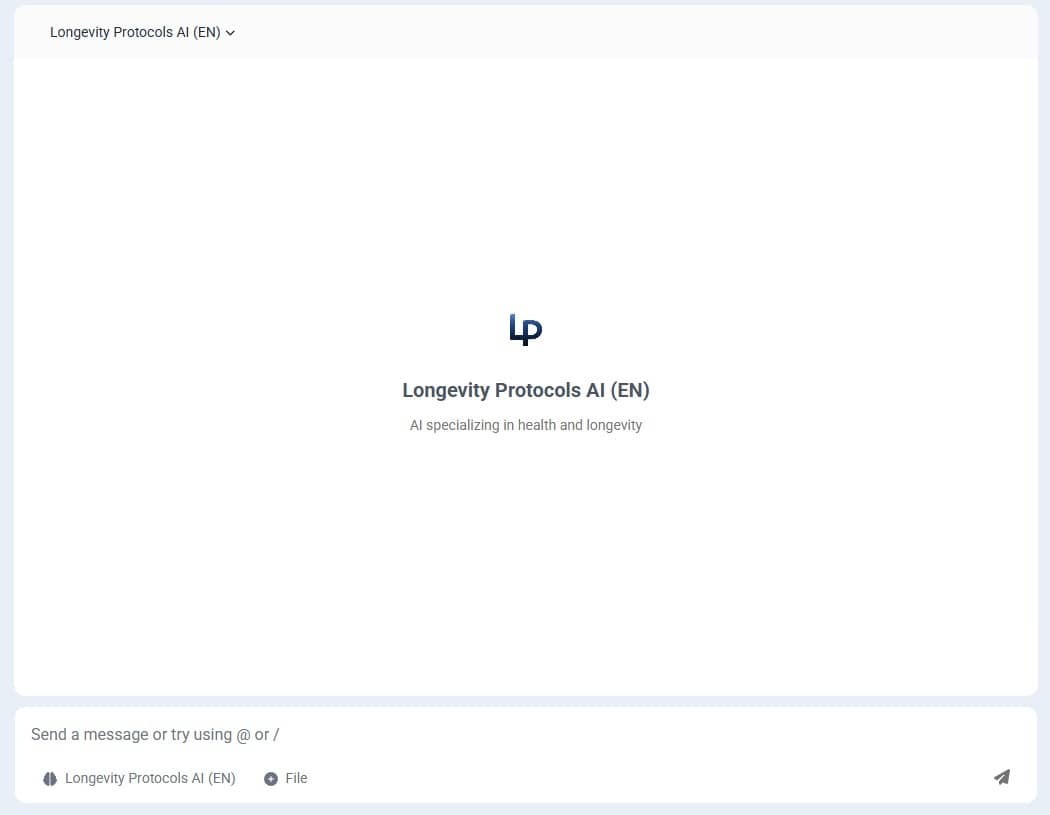
After logging in and accepting the terms, you will see the chat window where you can start interacting with our artificial intelligence.
Expand more tips
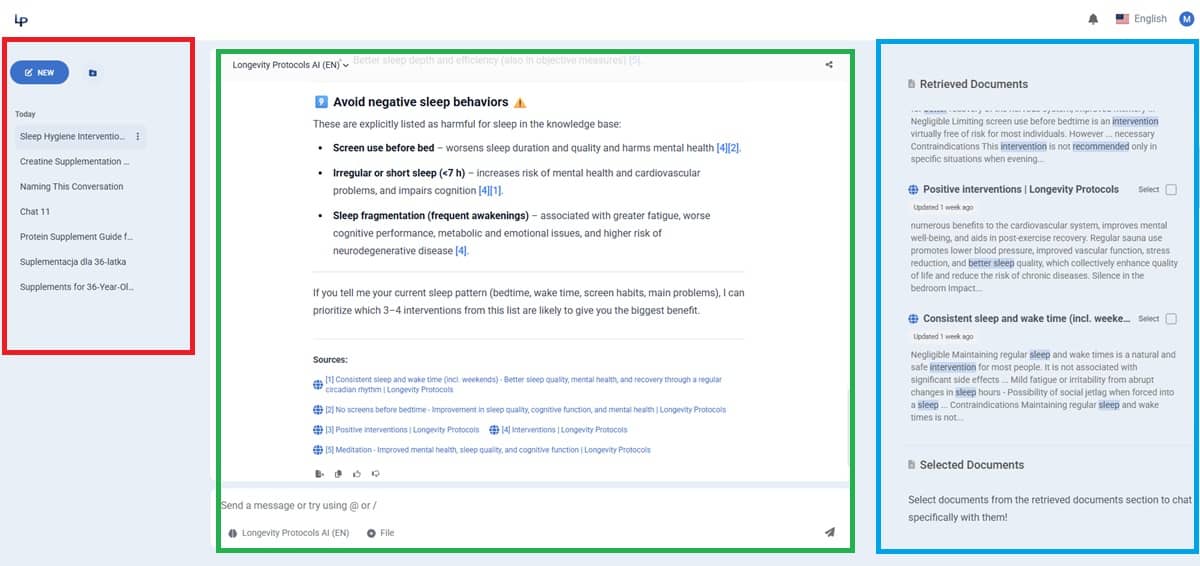
After you start the conversation, you will notice (highlighted in green in the screenshot below) that our AI attaches references to each part of its reply. You can click these references to go directly to the source of the information in our knowledge base.
On the left side (highlighted in red), you will find your conversation history.
On the right side (highlighted in blue), you will find a list of all sources our AI used to answer your query. You can click them to open the source. You can also select them using the checkbox , which narrows the AI's context to only the selected document. It will then answer solely based on that source.
Install our web app on your phone
If you want quick access to our AI platform directly from your phone’s home screen (instead of through a browser), you can install our app:
On Android (Chrome browser)
- Open the AI platform page in Chrome.
- Tap the menu icon ⋮ in the top-right corner.
- Select “Add to Home screen”.
- Confirm by tapping “Add” or “Install”.
The app icon will appear on your home screen and work like a regular app.
On iPhone (Safari browser)
- Open the AI platform page in Safari.
- Tap the Share icon (square with an upward arrow).
- Scroll the list and select “Add to Home Screen”.
- On the next screen, tap “Add” in the top-right corner.
The app icon will appear on your home screen and will function like any other app.
Knowledge Base
The biggest asset of Longevity Protocols — our knowledge base containing hundreds of interventions, metrics, supplements, foods, studies, and many other elements related to health and longevity — is fully available to you.
You have several ways to browse this vast library:
- The most convenient: from the homepage, where you can use filters
- The fastest: by using the search bar in the top navigation menu on the left
- Browsing specific categories: by clicking the appropriate link in the top navigation menu on the right
- Using our AI: in the dedicated web application you can ask our artificial intelligence about any topic, and it will provide an answer with a link to the source in our knowledge base
Advanced Longevity Course
You can start the course by clicking the button below:
StartIn the sidebar on the left, you will find all course levels and lessons.
P.S. — if you're reading this on your phone, you’ll find the menu icon in the top-left corner, which opens the sidebar menu.
App for Managing Protocols and Medical Data
The app is under development. You will be notified at the email address used during registration as soon as it becomes available.
Community
Join our WhatsApp group, with the most friendly and helpful health and longevity community on the Internet.
JoinContact, feedback and ideas
If you have feedback, ideas, issues, or simply want to contact me (Michal Szymanski), use the channels below:
- E-mail: m.szymanski@mdbootstrap.com
- LinkedIn: My LinkedIn profile
- Social media: